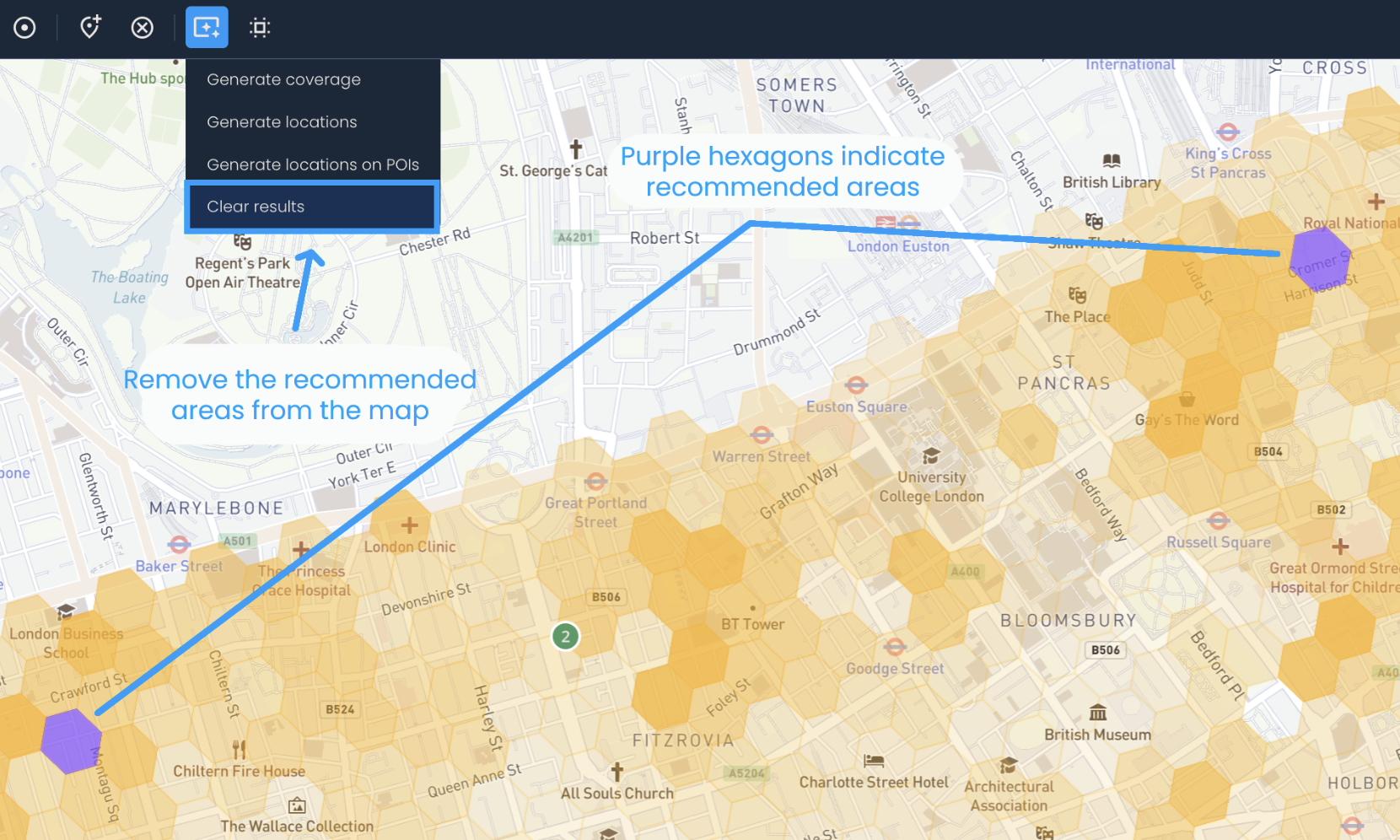
To completely remove the generated recommendations from the map, follow these steps:
Click Generate > Clear results. This will remove only the purple hexagons indicating recommended areas.
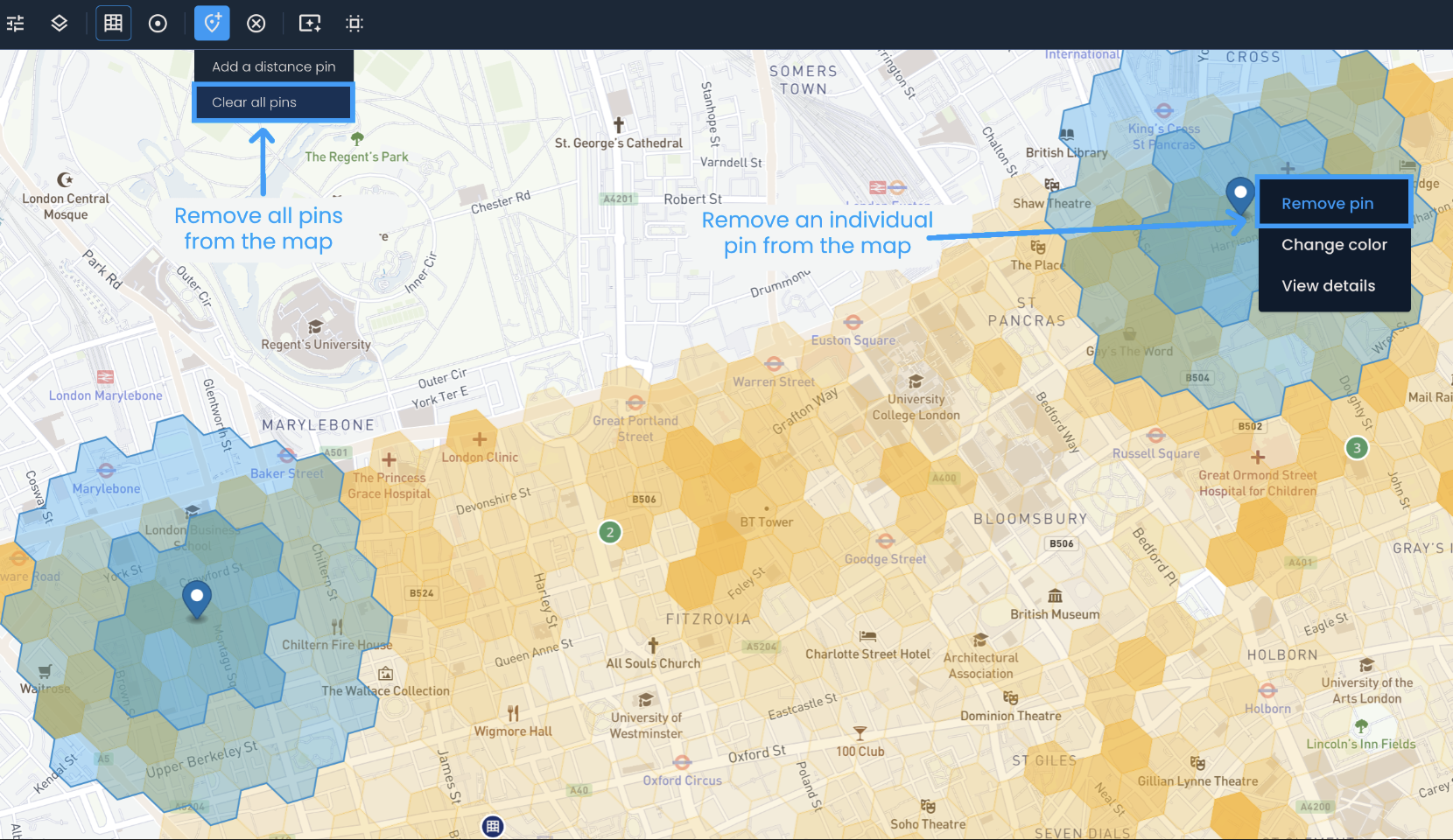
To remove generated distance pins, you have two options. The first option is to click on each pin individually and select Remove pin. The second option is to click Manage map pins > Clear all pins. However, keep in mind that the second option will remove all pins from the map, including any manually added distance pins. Removing distance pins will change the estimated coverage.